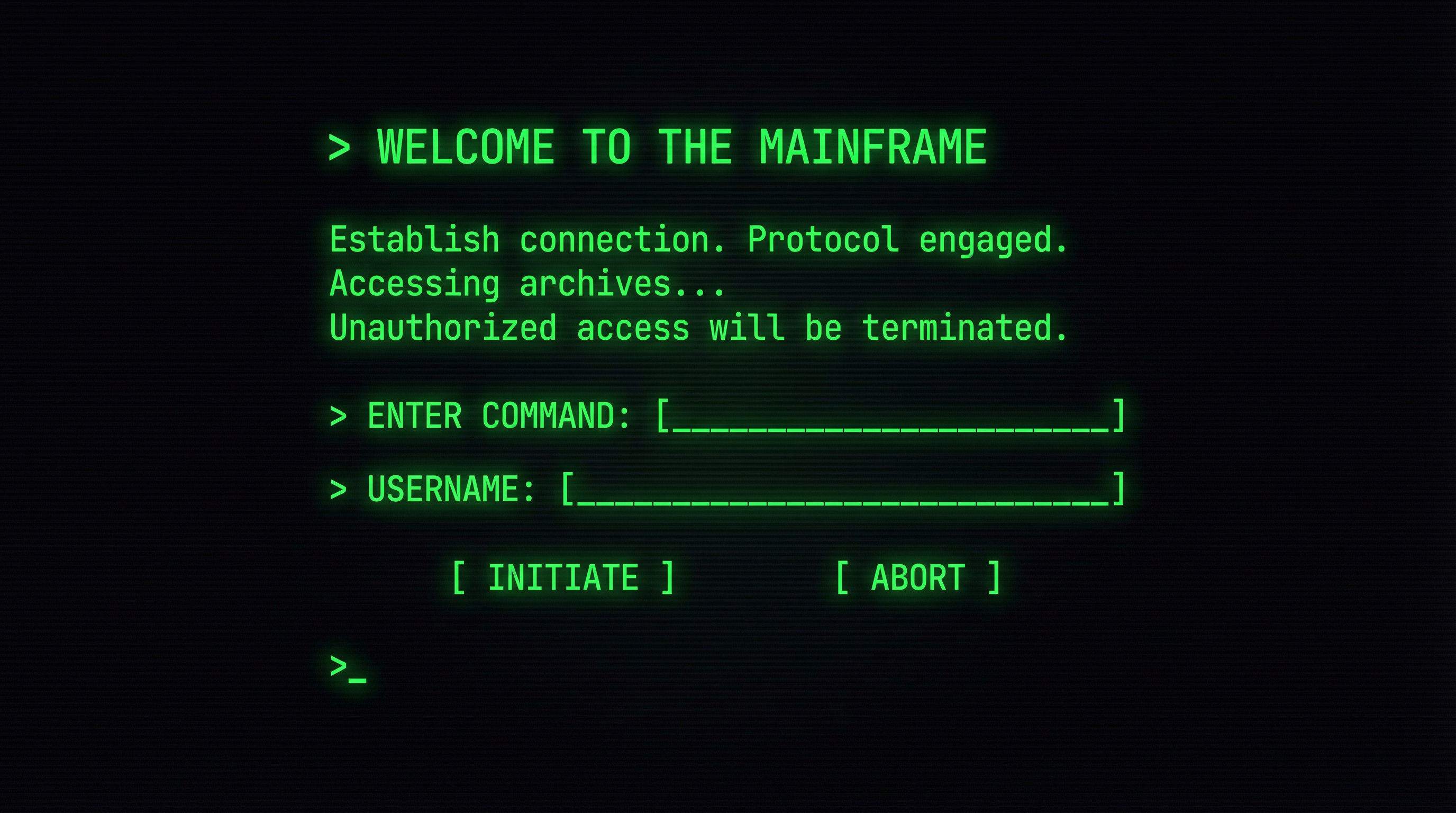
An open-source, drop-in CSS framework that transforms any website into a retro terminal interface. Dark theme, monospace typography, glowing cursors, and scanline effects — all in a single <link> tag. No JavaScript required.
I love the aesthetic of old-school terminals — the glow, the monospace text, the blinking cursors. But recreating that look from scratch every time is tedious. Terminal.css packages the entire vibe into a reusable, configurable framework.
Drop it into any HTML page and you instantly get a dark, hacker-style look with proper spacing, responsive grids, form styles, and animated elements. Zero JavaScript.
This is a real CSS-only rendering of the framework's components:
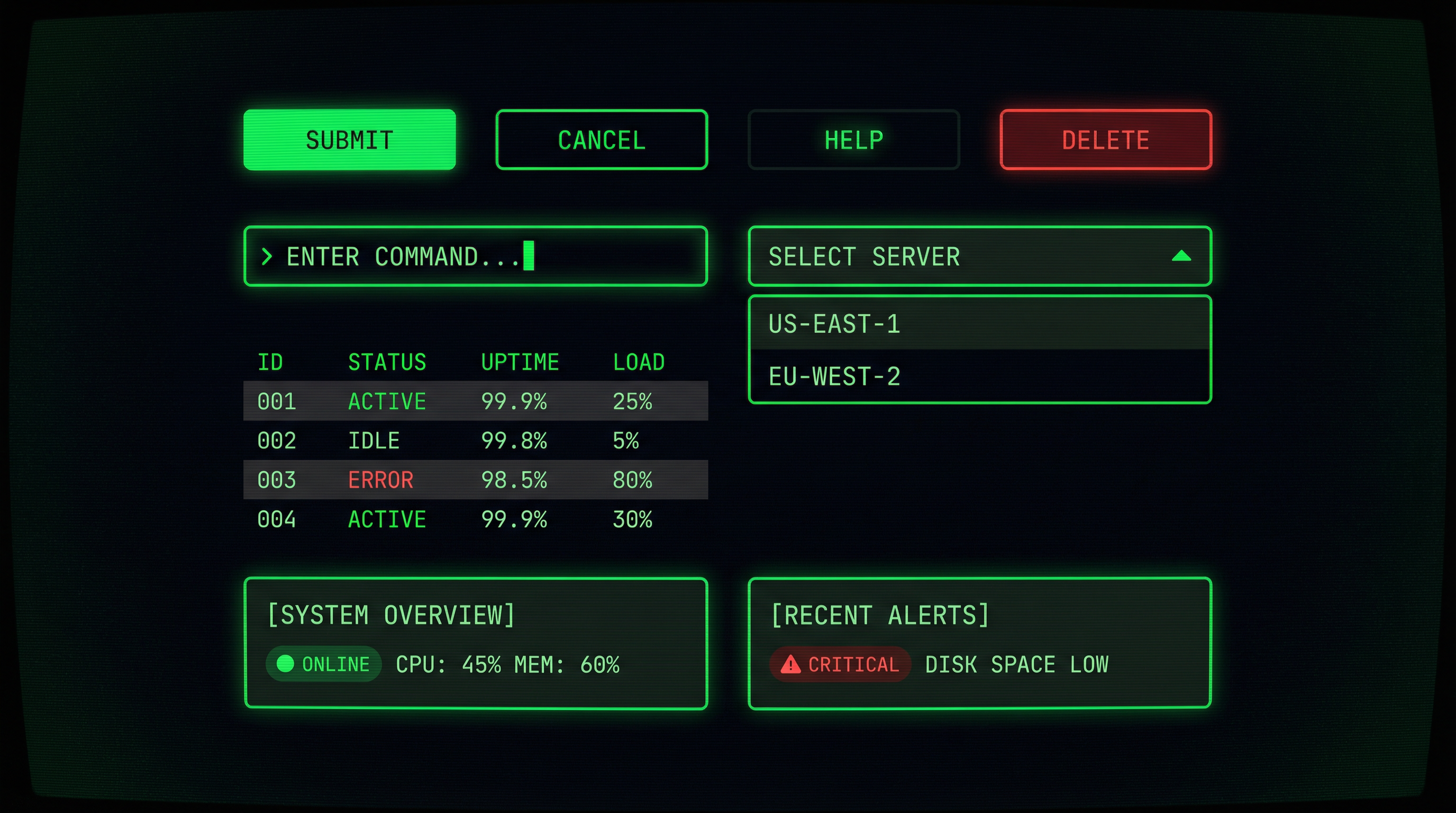
Buttons, forms, tables, cards, modals, alerts — all terminal-styled out of the box.
Customize colors, fonts, glow intensity, scanline opacity — all via CSS variables.
Looks great on desktop, tablet, and mobile. Built-in grid system included.
Scanlines, CRT flicker, typing cursors, glitch text — toggle each independently.
Under 8KB gzipped. No JavaScript, no build step required for basic usage.
Install via npm for build pipelines or drop a single CDN link into any HTML file.
Matrix green, amber CRT, cyan hacker, purple synthwave — switch with one variable.
Proper contrast ratios, focus indicators, and screen reader support built in.
# Option 1: npm
$ npm install terminal.css

# Option 2: CDN
<link rel="stylesheet"
      href="https://unpkg.com/terminal.css@0.4/dist/terminal.min.css">
:root {
  --term-bg:        #0a0a0f;
  --term-text:      #e0e0e0;
  --term-accent:    #00ff41;
  --term-dim:       #3a3f47;
  --term-glow:      0 0 12px #00ff4144;
  --term-scanlines: 1;
  --term-flicker:   1;
  --term-font:      'JetBrains Mono', monospace;
  --term-radius:    4px;
}
It's open-source and free. Check out the docs or explore other projects.
View all projects